We use cookies to ensure you get the best user experience on our website.Find Out More
Gathering screenshots, device logs, and steps to reproduce from mobile testers or end-users is incredibly tedious. Shakebug bundles screenshots, video walkthroughs, console errors, and device information into a single ticket, automatically triggered by a simple device shake.
From visual bug feedback to deep native stack traces, Shakebug keeps your team aligned on code stability.
When beta testers or users find an issue, they just shake their phone. The Shakebug feedback screen launches instantly without leaving the viewport, capturing all logs in the background.
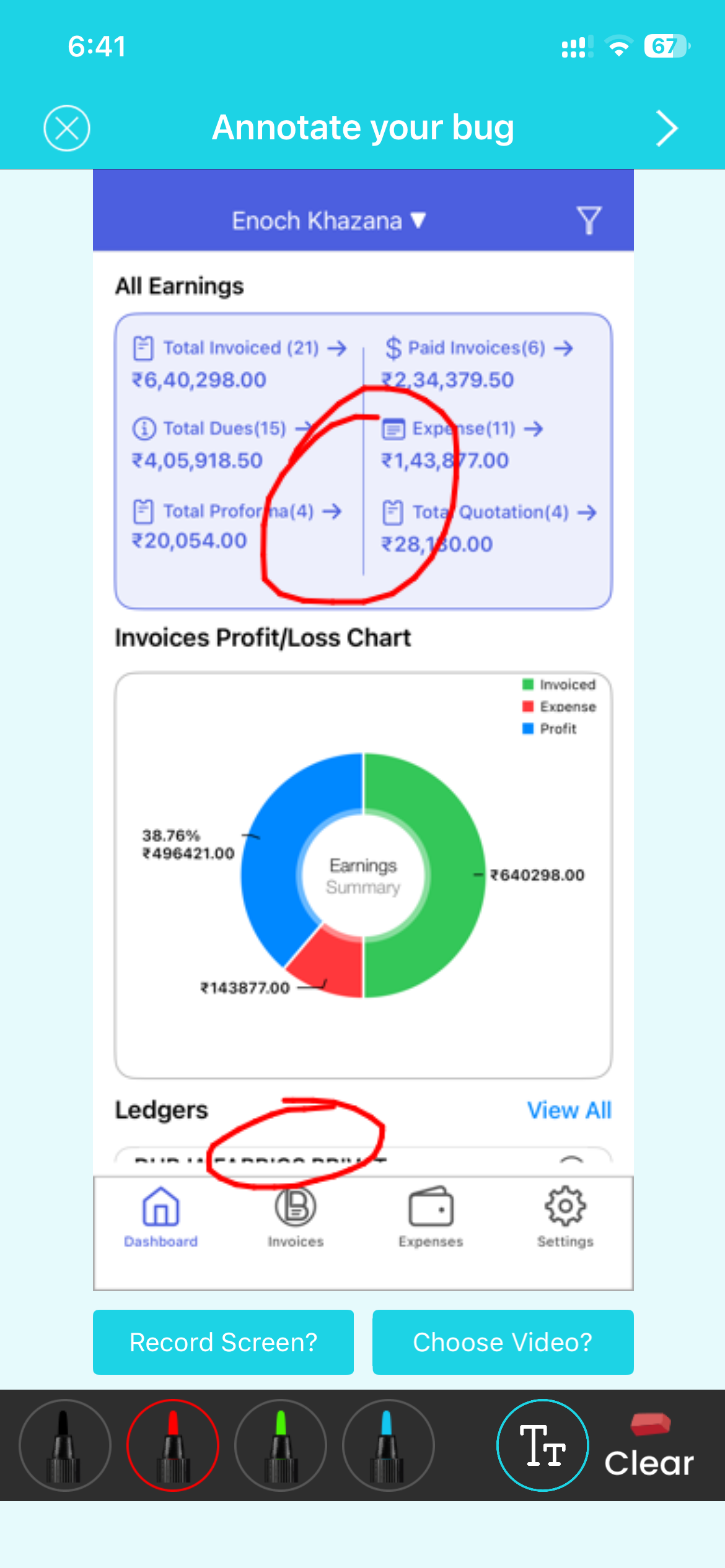
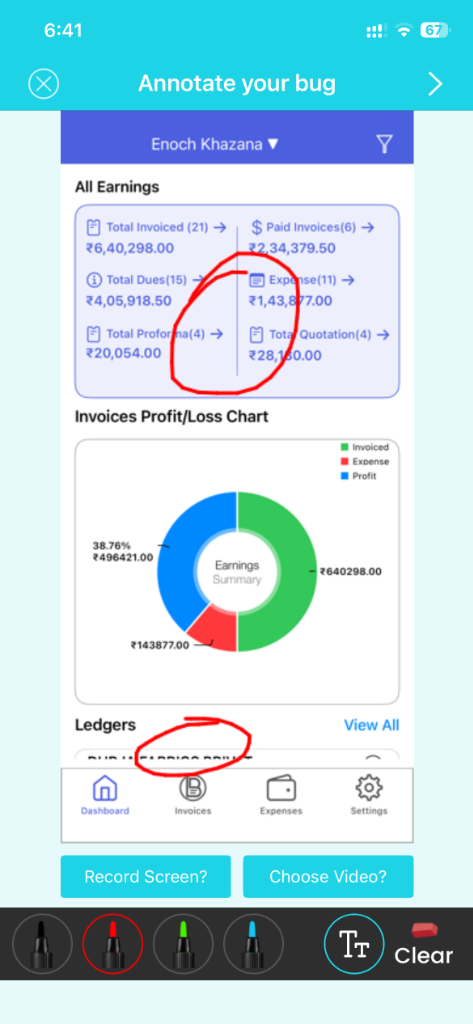
Testers can draw, highlight, blur out sensitive parameters, write descriptions, or narrate a screen video describing functional issues directly within the application.
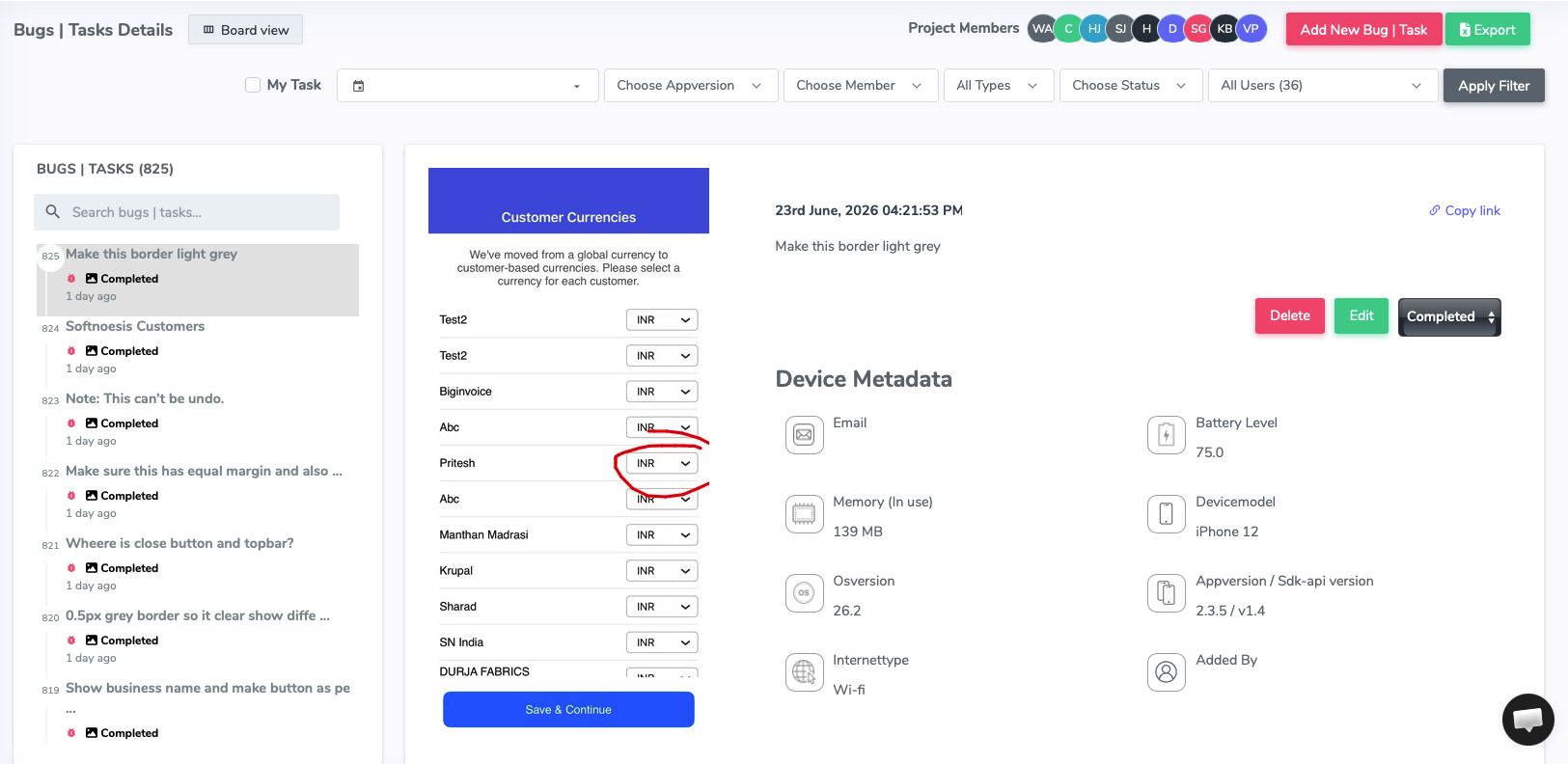
Submit reports in one tap. Tickets automatically sync to your dashboard with system logs, console inputs, network request details, CPU usage, and battery statistics.




































No. Shakebug is engineered to be lightweight, running asynchronously to ensure frame rates, responsiveness, and battery life remain unaffected.
Shakebug fully supports native iOS (Swift/Obj-C), native Android (Kotlin/Java), Flutter, and React Native.
Yes. You can trigger the SDK via a device shake, floating bubble, screenshot event, or call it programmatically from your app's settings menu.
Absolutely. All transmission is encrypted over HTTPS, and we provide APIs to filter out sensitive text fields and network headers before they leave the device.