We use cookies to ensure you get the best user experience on our website.Find Out More
Shakebug is an Android bug and crash reporting SDK for Java and Kotlin apps. Shake the device — or trigger it from a button — and every report bundles an annotated screenshot, screen recording, console logs, and device data automatically. Crashes run through the same Crash AI grouping engine Shakebug uses for iOS, React Native, Flutter, and web.
Debugging Android crashes usually means chasing a stack trace without knowing which device, OS version, or user action triggered it. Shakebug attaches that context automatically — no separate crash reporter to wire up alongside your bug tracker.
Add the Gradle dependency
implementation 'com.softnoesis.shakebug:ShakeBug:1.2.51'Add the JitPack repository (project-level build.gradle)
allprojects {
    repositories {
        google()
        mavenCentral()
        maven { url 'https://jitpack.io' }
    }
}
In your app-level build.gradle, use compileSdk 36 and targetSdk 36.
Initialize in your Application class or launch Activity — Java
ShakeBug.sharedInstance().initiateWithKey(this, "<Your Key>");Initialize in your Application class or launch Activity — Kotlin
ShakeBug.sharedInstance().initiateWithKey(this, "<Your Key>")
Crash and bug reporting begin working as soon as initiateWithKey(...) runs in onCreate — no separate setup step required.
One SDK for shake-to-report bugs and native crash capture — no separate crash reporter to wire up alongside your bug tracker.
Shakebug captures native Android crashes and matches each to the correct app version and device. Every crash runs through the same Crash AI engine Shakebug uses for iOS, React Native, Flutter, and web.
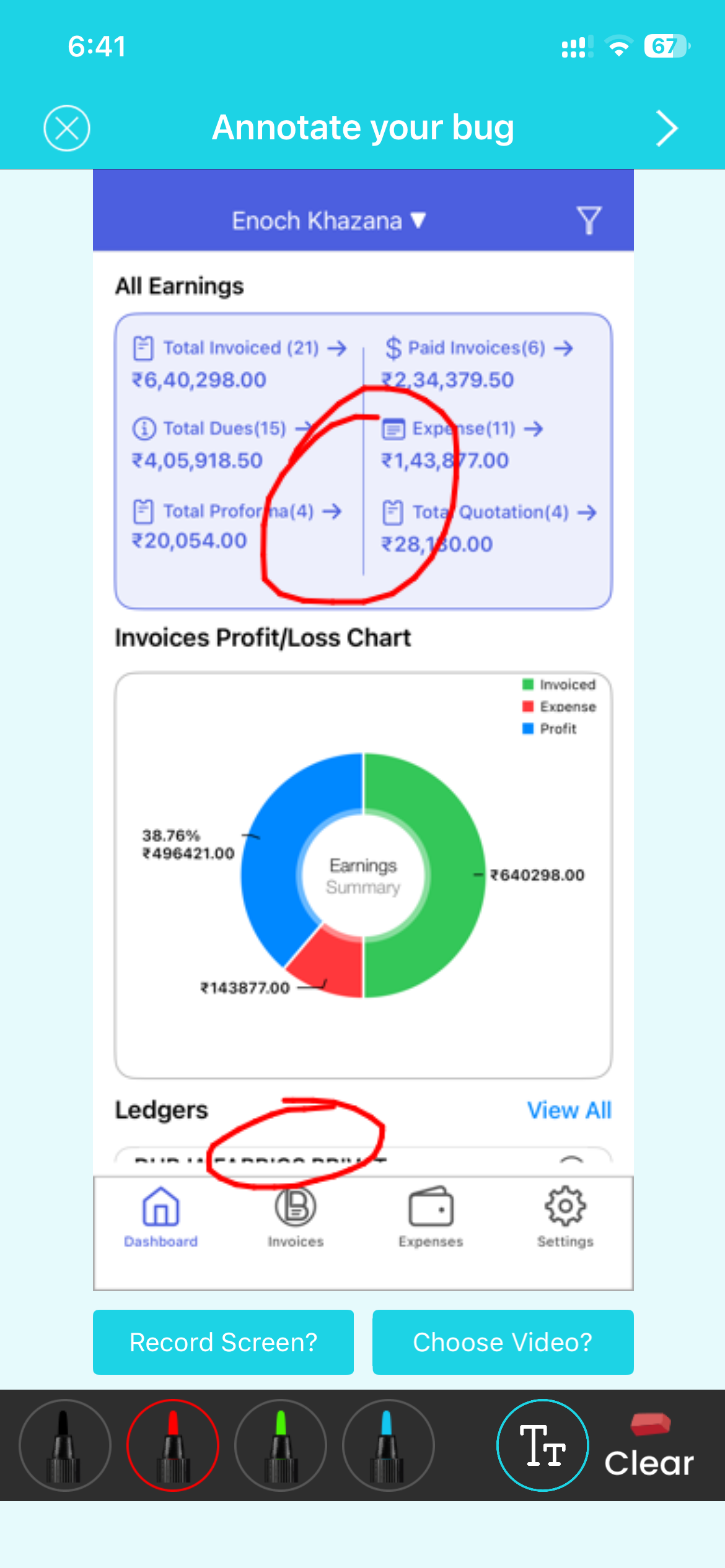
Let users report bugs by shaking the device (allowToReportBugByShakingMobile) or taking a screenshot (allowToReportBugByScreenCapture), or call triggerBugReporting() from any button in your own UI.
Attach custom user details to every report with addCustomUser(), and read dashboard-configured values at runtime with getRemoteValue() — change app behavior without shipping a new Play Store release.
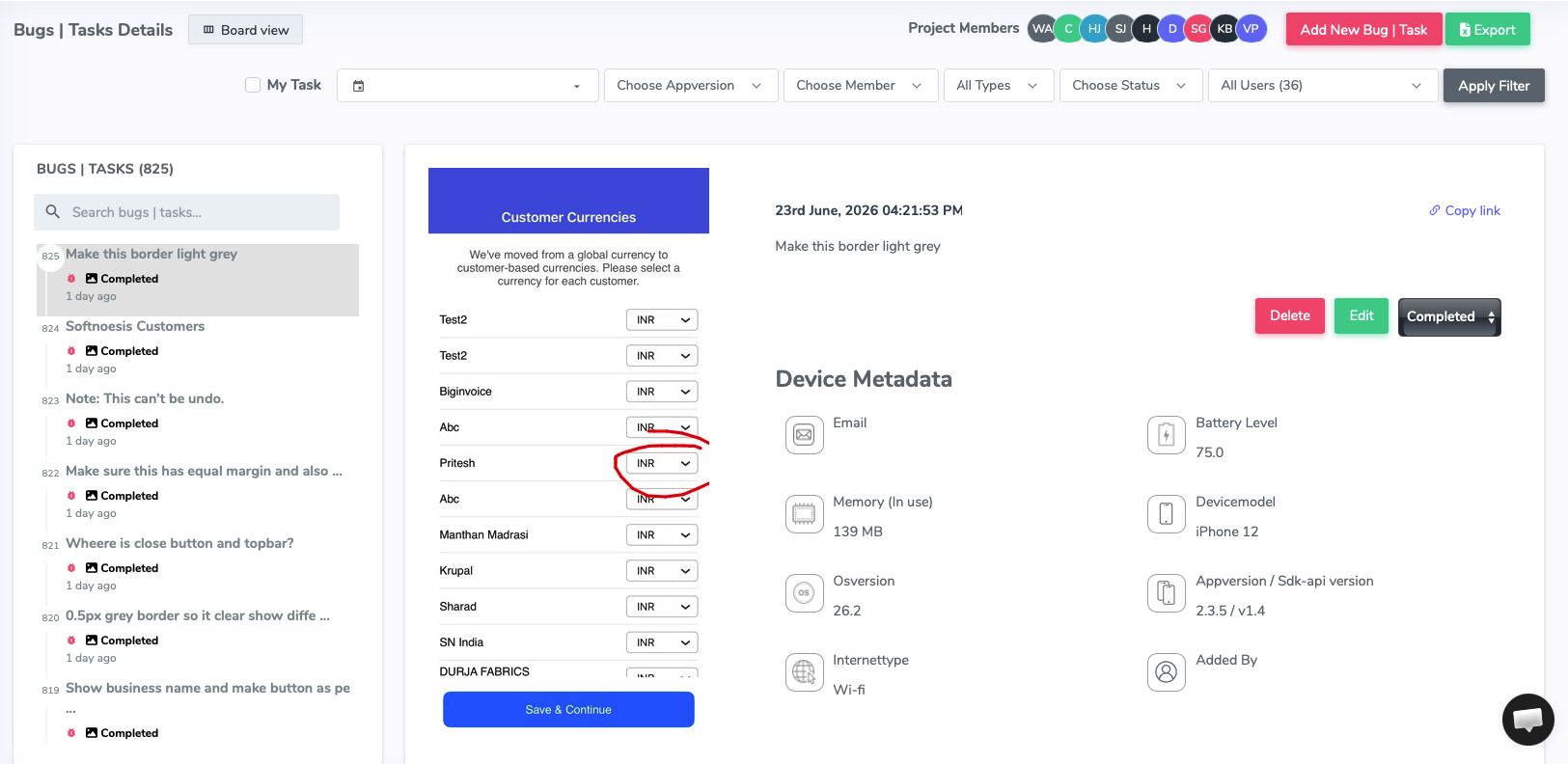
A caught crash doesn't sit as a raw stack trace. Crash AI clusters duplicate Android crashes into a single issue with a first-seen date, affected devices, and OS versions — the same engine Shakebug runs for iOS, React Native, Flutter, and web. See how Crash AI grouping works →





































Yes. The Android SDK ships code samples and full support for both Java and Kotlin projects.
Add implementation 'com.softnoesis.shakebug:ShakeBug:1.2.51' to your app's build.gradle, plus the JitPack repository (maven { url 'https://jitpack.io' }) at the project level.
Yes. Besides shake-to-report, Shakebug supports triggering a bug report on screenshot capture, or from a manual button call in your own UI.
Yes. You can read dashboard-configured values at runtime to change app behavior without a Play Store release, and attach custom user details to every report and crash.
Yes. Shakebug can trigger a review popup that asks once per app version — a user who's already submitted feedback for that version won't be asked again.