
We use cookies to ensure you get the best user experience on our website.Find Out More
The easiest way for QA, support, and product teams to report bugs. Capture screenshots, record screens, and automatically attach console logs and network requests so developers can fix them instantly.
Forget writing long reproduction steps or asking users for system info. Shakebug bundles all diagnostic data with your report.
Submit visual bug reports directly from your browser viewport to your issue tracker in seconds. No coding required.
Every report automatically includes the URL, browser version, OS, screen size, and viewport dimensions.
Shakebug records console errors and network request failures in the background and attaches them automatically.
Send bugs straight to Jira, Trello, Slack, Monday.com, or ClickUp. Ticket statuses sync automatically both ways.
Explain layout issues and functional flows with drawings, shapes, and audio walkthroughs directly on the webpage.
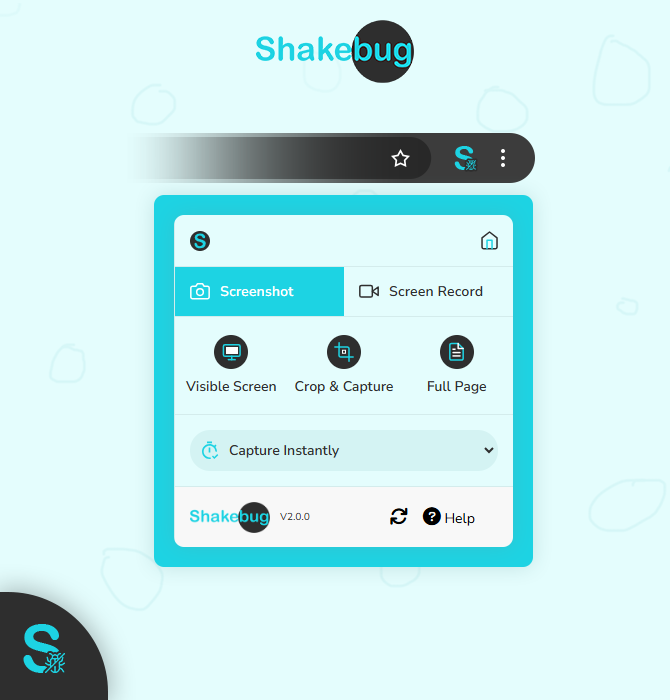

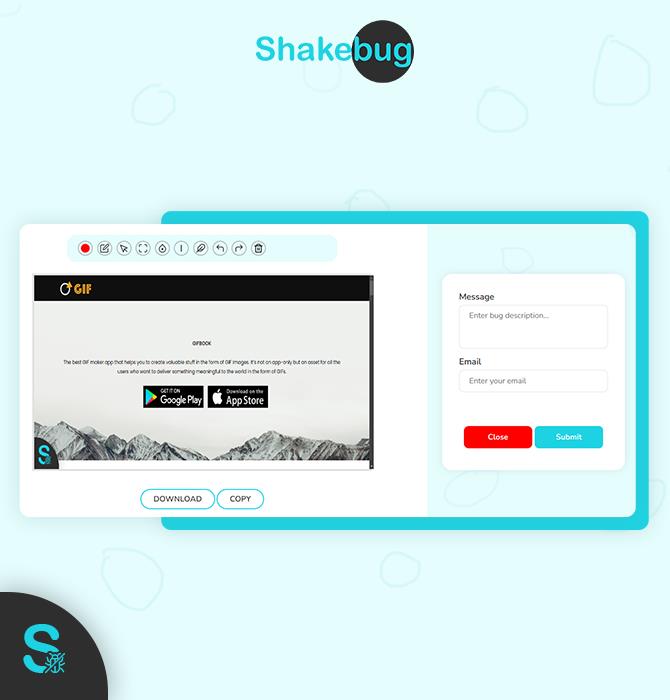
Get your team ready to report bugs without any complex setup or installation.
Install the extension from the Chrome Web Store in one click.
Pin the Shakebug icon to your toolbar and click it on any page.
Take a screenshot, record a video, or leave a text note.
Your bug goes directly to Jira, Trello, or Slack with full logs.
Everything you need to know about visual bug reporting with Shakebug.
Join thousands of QA testers, web developers, and project managers using Shakebug to streamline debugging workflows.
Install Chrome Extension Free