We use cookies to ensure you get the best user experience on our website.Find Out More
Shakebug is an iOS bug and crash reporting SDK for Swift, Objective-C, and SwiftUI apps. Shake the device — or trigger it from a button — and every report bundles an annotated screenshot, screen recording, console logs, and device data automatically. Crashes run through the same Crash AI grouping engine Shakebug uses for React Native, Android, Flutter, and web.
Debugging iOS crashes usually means chasing a stack trace without knowing which device, OS version, or user action triggered it. Shakebug attaches that context automatically — no separate crash reporter to wire up alongside your bug tracker.
Add the package (Swift Package Manager)
https://github.com/softnoesis/ShakeBug/In Xcode: File → Add Package Dependencies, paste the URL above, and select version 1.0.46 or later.
Import & initialize in AppDelegate — Swift
import ShakeBug

func application(_ application: UIApplication,
                  didFinishLaunchingWithOptions launchOptions: [UIApplication.LaunchOptionsKey: Any]?) -> Bool {
    ShakeBugSDK.sharedInstance.initiateWithKey("<Your Key>")
    return true
}
Import & initialize in AppDelegate — Objective-C
#import <ShakeBug/ShakeBug.h>
#import <ShakeBug/ShakeBug-Swift.h>

[[ShakeBugSDK sharedInstance] initiateWithKey:@"<Your Key>"];
Add the Info.plist permission
<key>NSPhotoLibraryUsageDescription</key>
<string>Require access for reporting bugs.</string>
Crash capture is on by default once ShakeBugSDK.sharedInstance.initiateWithKey(...) runs — no separate setup step required.
One SDK for shake-to-report bugs and automatic crash capture — no separate crash reporter to wire up alongside your bug tracker.
When the app crashes, Shakebug can auto-attach a screen recording of the last 18-20 seconds before the crash to the report. Every crash runs through the same Crash AI engine Shakebug uses for React Native, Android, Flutter, and web.
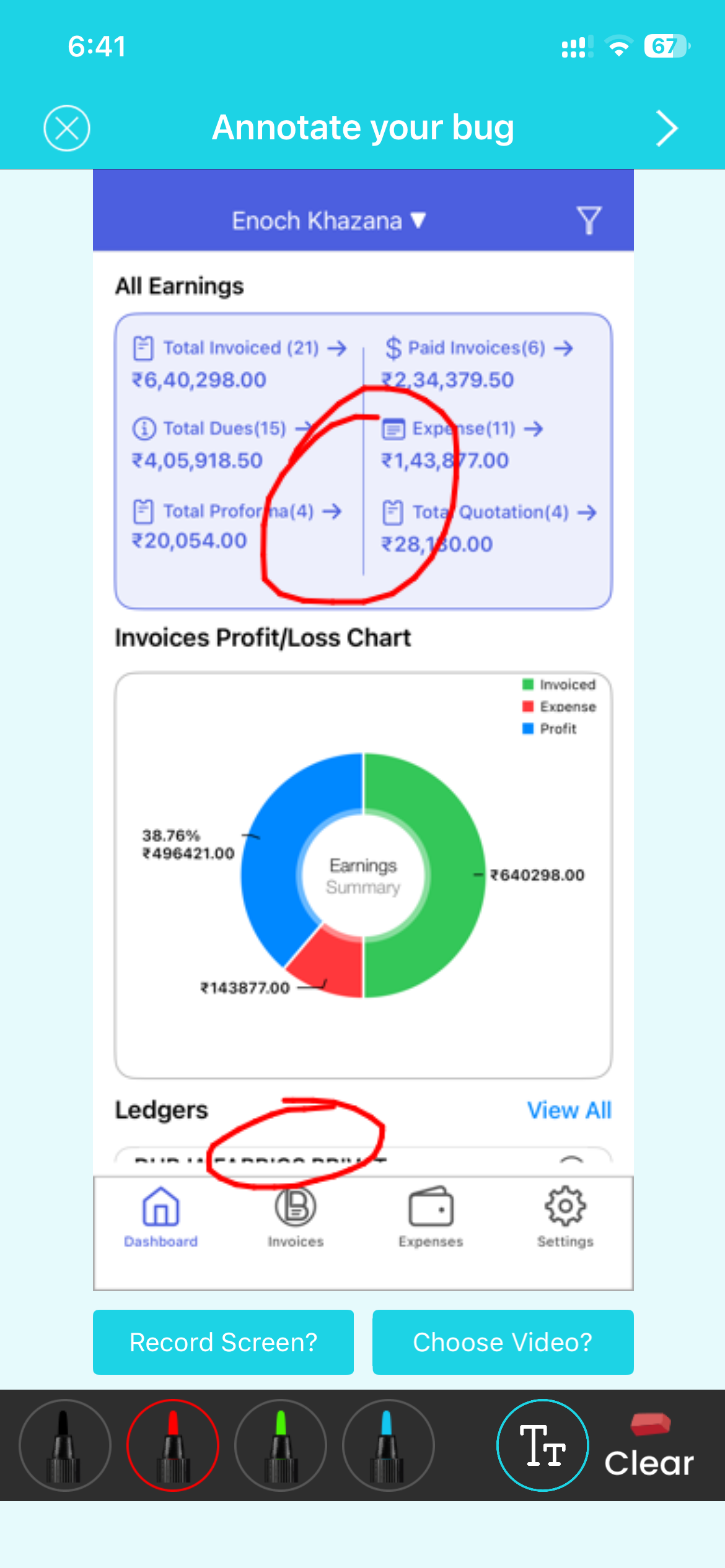
Let users report bugs by shaking the device or taking a screenshot, or call the SDK's trigger method from any button in your own UI — no dependency on the shake gesture alone.
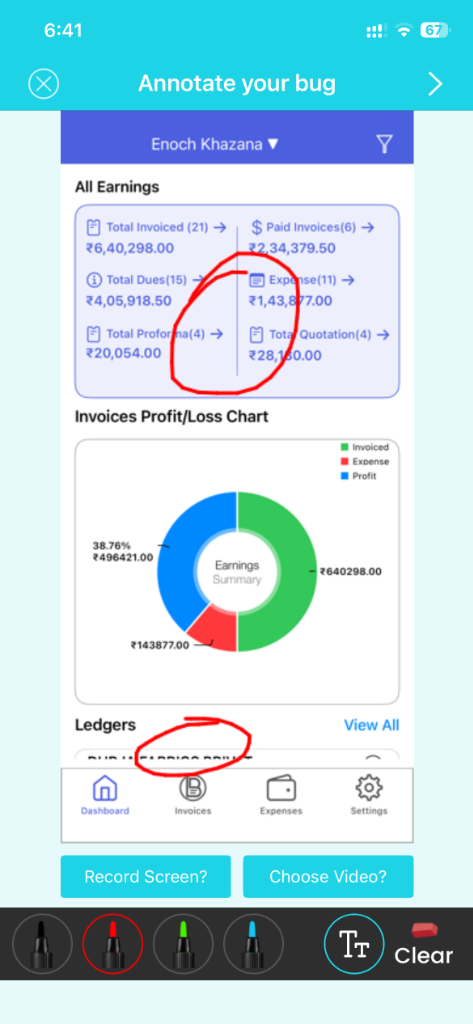
Attach custom user details to every report, and read dashboard-configured values at runtime to change app behavior without waiting on App Store review.
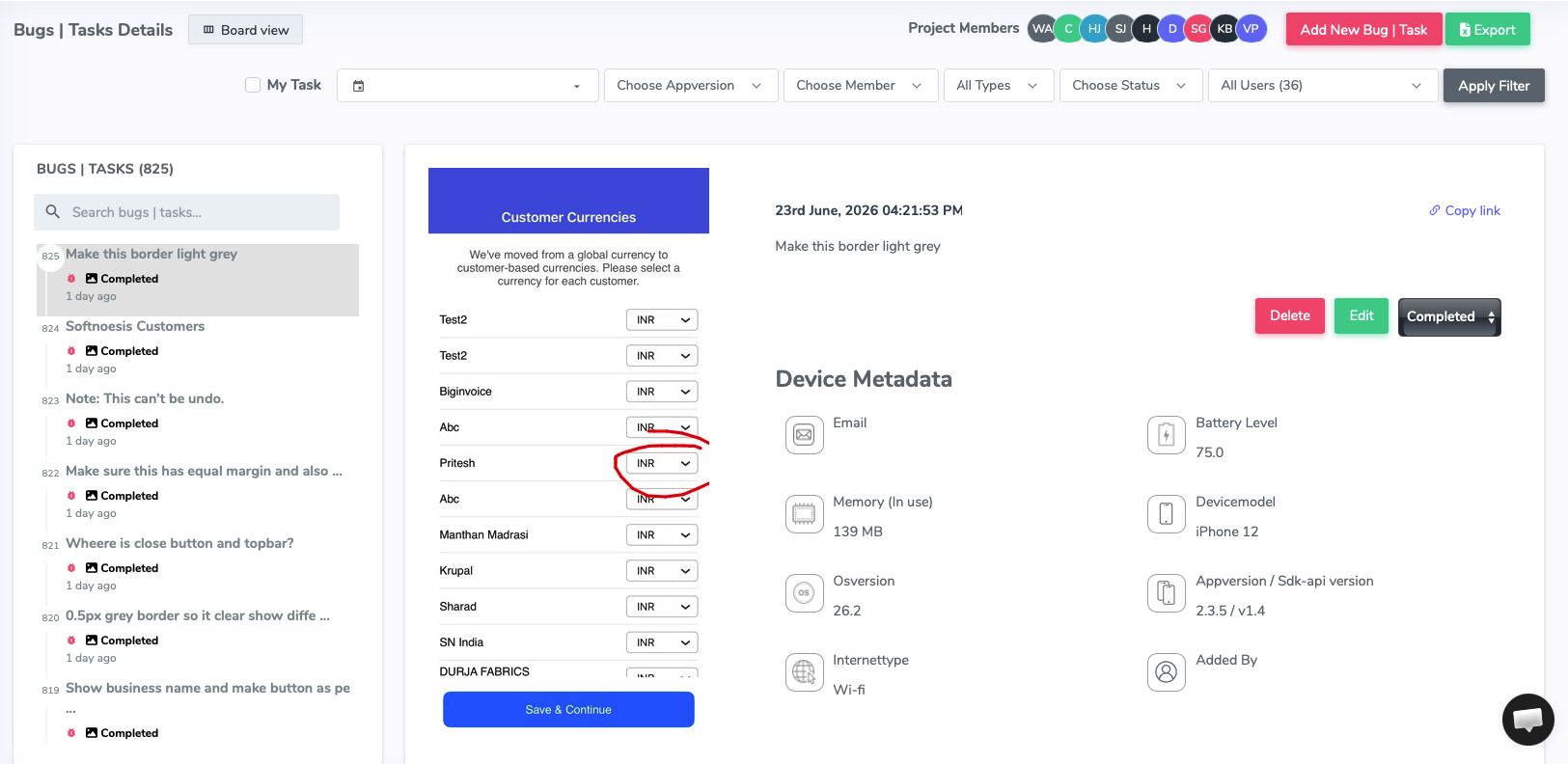
A caught crash doesn't sit as a raw stack trace. Crash AI clusters duplicate iOS crashes into a single issue with a first-seen date, affected devices, and OS versions — the same engine Shakebug runs for React Native, Android, Flutter, and web. See how Crash AI grouping works →





































Yes. Shakebug's iOS SDK supports Swift, Objective-C, SwiftUI, and projects with or without a SceneDelegate, with a minimum iOS deployment target of 13.0.
Swift Package Manager is the recommended integration — add https://github.com/softnoesis/ShakeBug/ as a package dependency in Xcode. Carthage is also supported; CocoaPods integration is deprecated in favor of SPM.
Yes. Shakebug can automatically attach a screen recording of the last 18-20 seconds before a crash to the report — this is controlled by a setting you can turn on or off.
Yes. Besides shake-to-report, Shakebug supports triggering a bug report on screenshot capture, or from a manual button call in your own UI.
Yes. You can read dashboard-configured values at runtime to change app behavior without an App Store review, and attach user id, name, email, country, and custom notes to every report and crash.